 Axon
AxonAxon documentation
Axon Documentation
Installation, workspace workflows, language tooling, extensions, updates, and Axon Agent.
Axon is a desktop code editor built around real workspace behavior: open a folder, edit files, use panes, run terminals, inspect Git changes, tune the editor from settings, and work with a local project-aware agent.
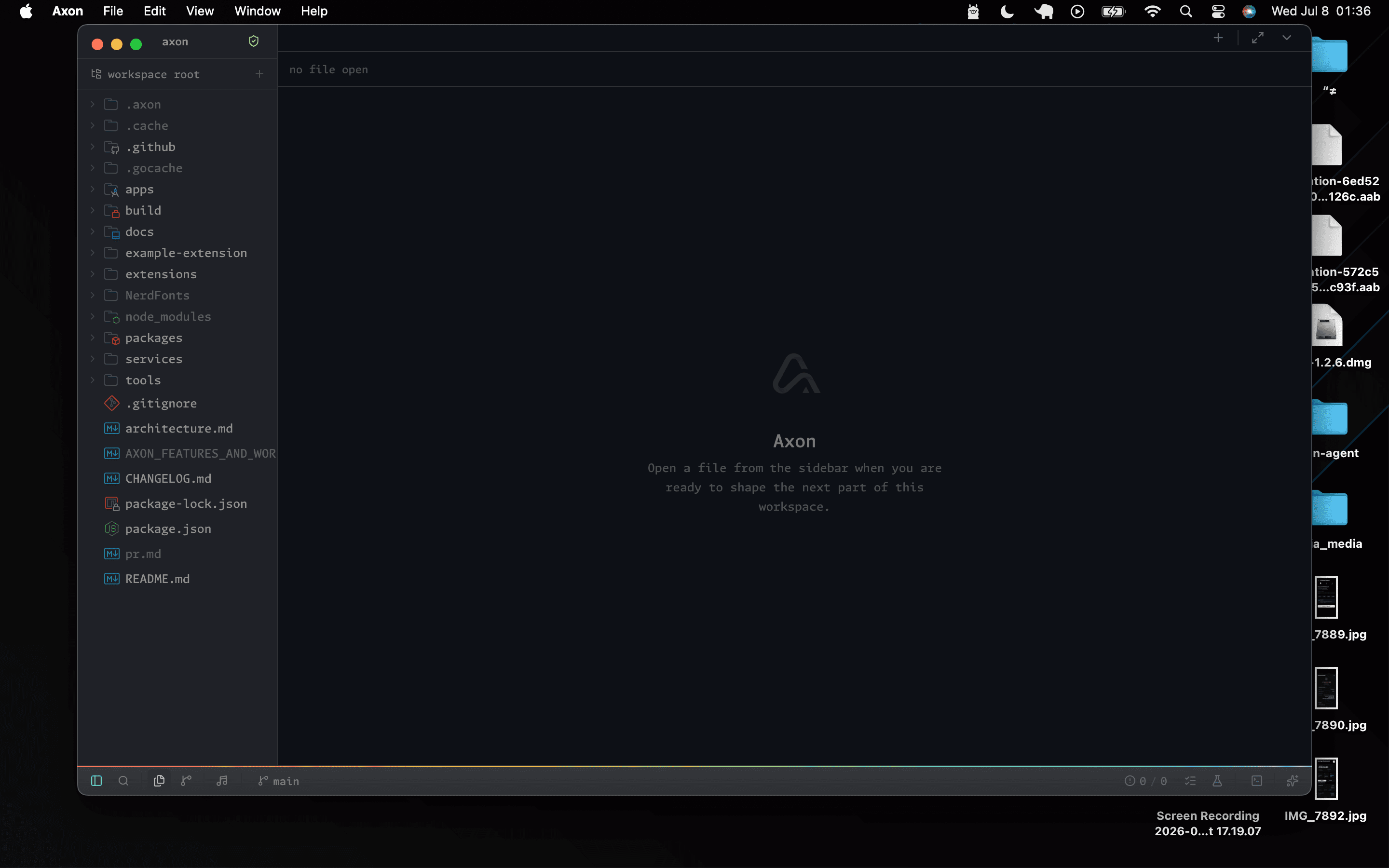
Start Here
01
Install the build that matches your platform.
02
Open a folder as your workspace.
03
Create or open a file from the sidebar.
04
Open the terminal and run your project commands.
05
Choose a theme, font preset, and language-server settings.
Documentation Sections
Important Notes
- macOS builds are unsigned personal builds until signing and notarization are available.
- Some language servers still need system runtimes such as a JDK, .NET SDK, Go, Rust, PHP, or Docker.
- Python projects can use a selected virtual environment so imports and completions match the real project.
- Update checks use GitHub Releases, but unsigned macOS builds may still require manual replacement.