 Axon
AxonCustomization
Axon documentation
Settings
Configure Axon behavior.
Axon stores user configuration in Electron's platform-specific application-data directory as settings.json. Use Open Settings File from Settings when you need the exact path. A project can also provide axon.json at its workspace root for project-level language and runtime choices.
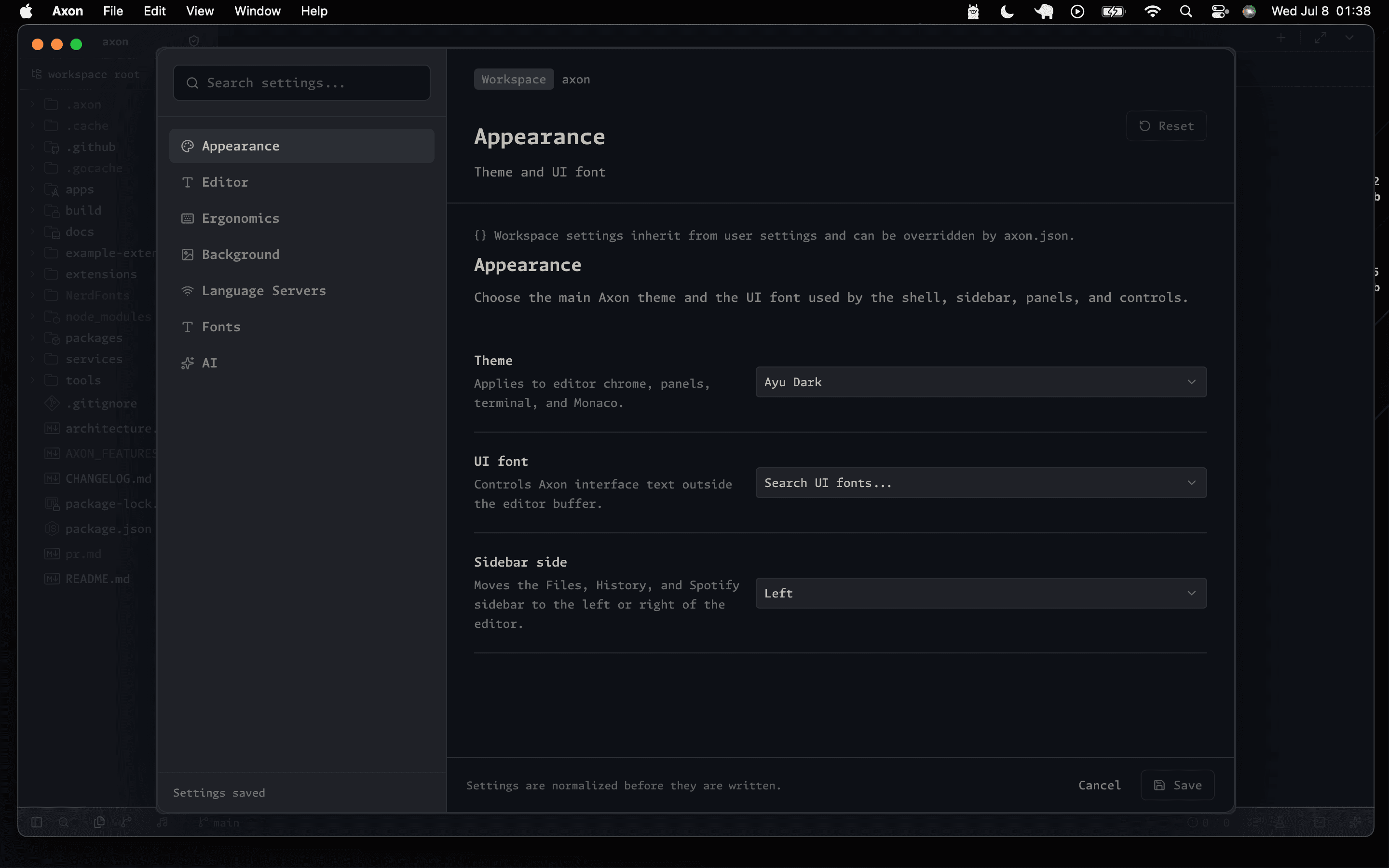
Opening Settings
- Click the Settings gear icon in the sidebar.
- Run
Open Settingsfrom the command palette. - Use
Cmd+,on macOS orCtrl+,on Windows/Linux.
Editor
{
  "editor": {
    "fontPreset": "axon-default",
    "fontFamily": ".AxonMono",
    "fontSize": 14,
    "lineHeight": 22,
    "fontWeight": 400,
    "fontLigatures": true,
    "minimapEnabled": false,
    "cursorBlinking": "expand"
  }
}
Appearance
{
  "editor": {
    "themeId": "ayu-dark",
    "fontPreset": "axon-default",
    "uiFontFamily": ".AxonSans",
    "sidebarSide": "left"
  }
}
Language Tools
{
  "lsp": {
    "enabled": true,
    "pythonVirtualEnvPath": "",
    "pythonInterpreterPath": ""
  }
}
Local Agent
{
  "ai": {
    "enabled": true,
    "provider": "local",
    "model": "axon-code",
    "apiKeyEnv": "",
    "includeWorkspaceContext": true
  }
}
Axon normalizes settings against the supported schema. VS Code-style dotted keys such as editor.fontSize, git.autofetch, or terminal.integrated.shell.osx are not Axon settings and should not be documented as active options.