 Axon
AxonCustomization
Axon documentation
Themes
Customize Axon appearance.
Axon includes a built-in dark theme with Catppuccin-inspired colors. You can customize colors, import fonts, or create your own themes.
Built-In Themes
- Axon dark themes with Catppuccin icon colors.
- Ayu Dark, Ayu Light, and Ayu Mirage.
- Monaco, workbench, and terminal colors derived from the active theme.
- Monaspace Neon for code and Inter for the interface.
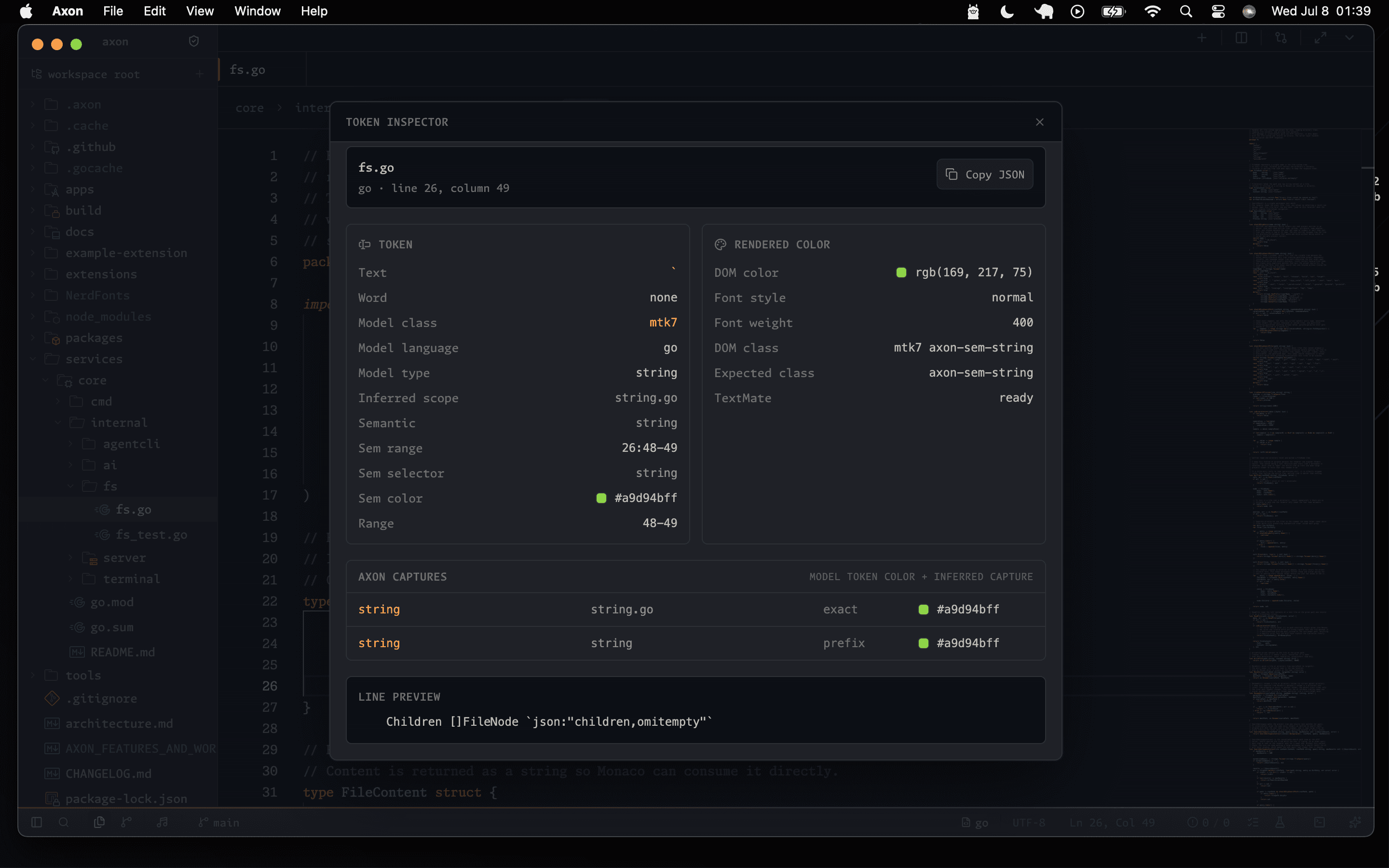
Axon's SyntaxTheme layer maps semantic captures such as functions, methods, properties, types, tags, selectors, punctuation, and string variants onto Monaco token names. Capture lookup falls back from a specific child capture to its parent, so themes can remain consistent across languages without defining every possible token path.
Changing Themes
Open the Command Palette with Cmd+Shift+P or Ctrl+Shift+P, then type Theme to switch themes.
Custom Theme Example
{
  "name": "my-theme",
  "type": "dark",
  "colors": {
    "editor.background": "#1e1e2e",
    "editor.foreground": "#cdd6f4",
    "editor.lineHighlightBackground": "#313244",
    "editor.selectionBackground": "#45475a",
    "terminal.background": "#1e1e2e",
    "terminal.foreground": "#cdd6f4",
    "sideBar.background": "#181825",
    "sideBar.foreground": "#cdd6f4"
  },
  "tokenColors": [
    {
      "scope": "keyword",
      "settings": { "foreground": "#cba6f7" }
    },
    {
      "scope": "string",
      "settings": { "foreground": "#a6e3a1" }
    }
  ]
}
Fonts
{
  "editor.fontFamily": "Monaspace Neon, SF Mono, monospace",
  "editor.fontSize": 14,
  "editor.fontLigatures": true
}