Axon
AxonEditor
Core editor behavior in Axon.
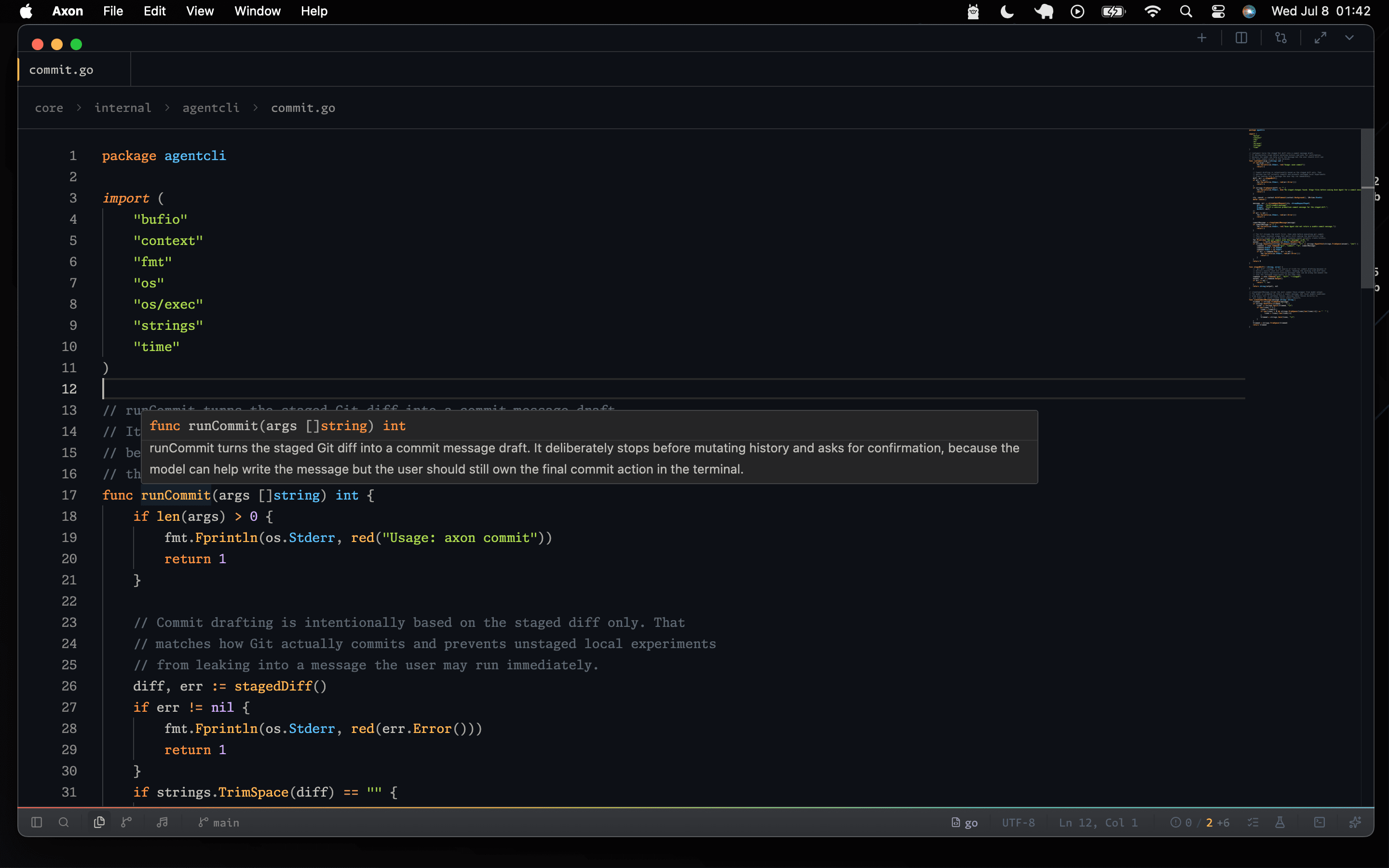
Axon's editor is built for daily project work: open files, keep multiple panes active, preview Markdown and media, and protect dirty changes before a tab closes. Recent stabilization work focused on preserving scroll position, avoiding editor flicker, and keeping Monaco state owned by the active editor instead of remounting surfaces unnecessarily.
Tabs and Panes
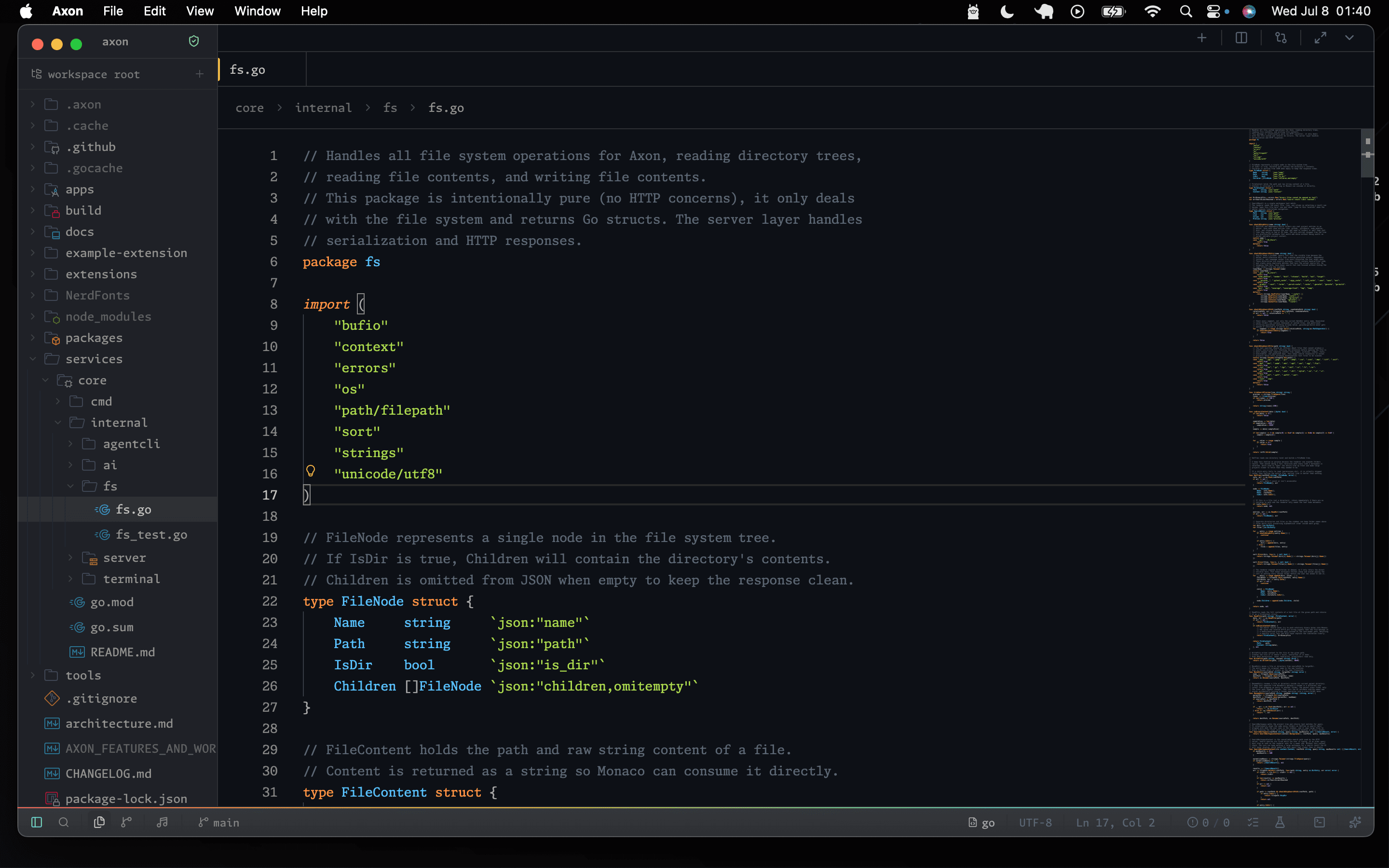
Files open into editor tabs. Tabs can be moved between panes, pinned, and closed with dirty-file prompts when unsaved changes exist.
Restored tabs do not all mount Monaco, synchronize with language servers, and start watchers during first paint. Axon restores the visible editing surface first and activates deeper work as the relevant file becomes active.
Previews
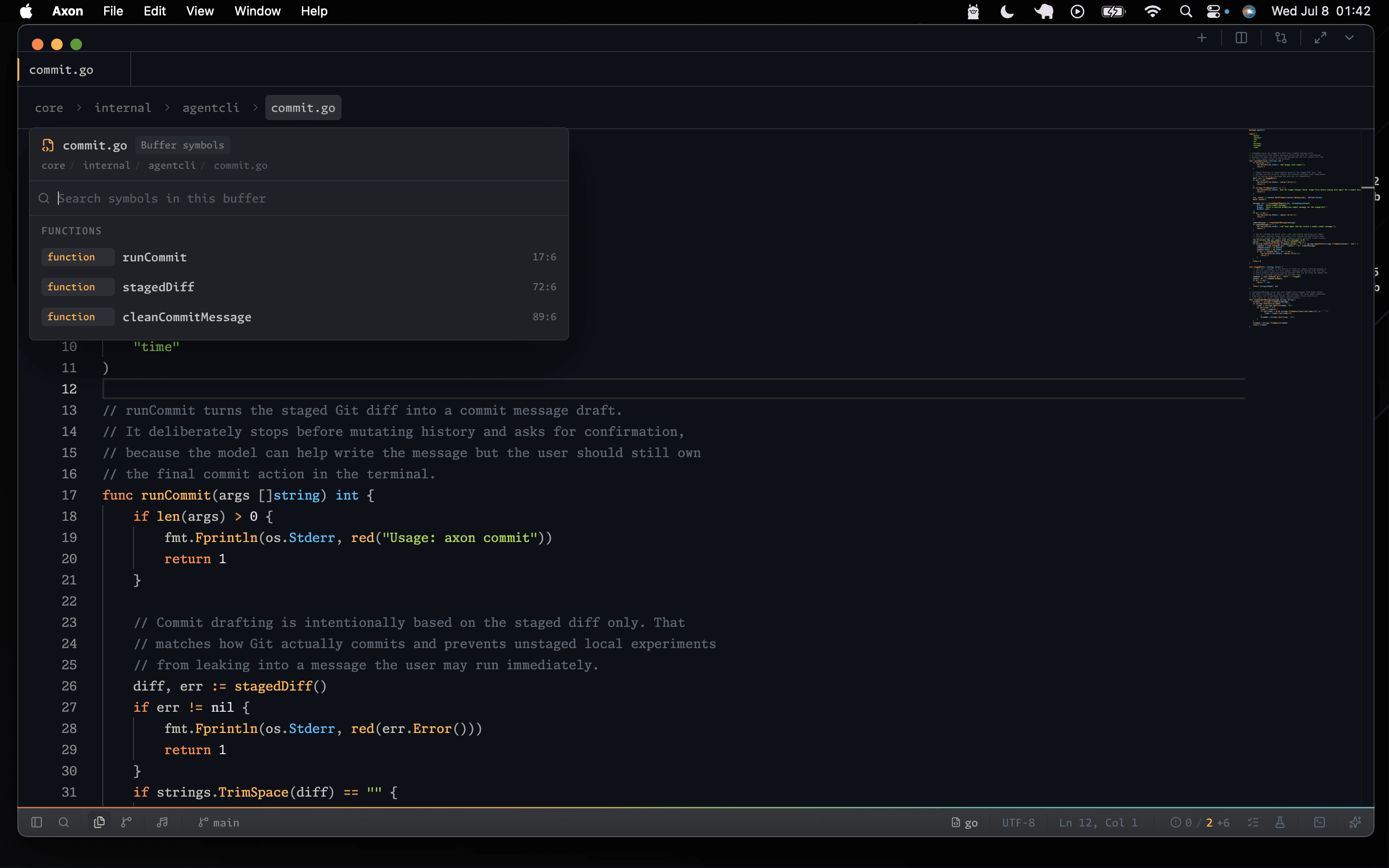
Markdown, images, videos, and HTML can open in preview surfaces. External links use the system browser, while local Markdown links stay inside Axon when the target file exists in the workspace.
Find In File
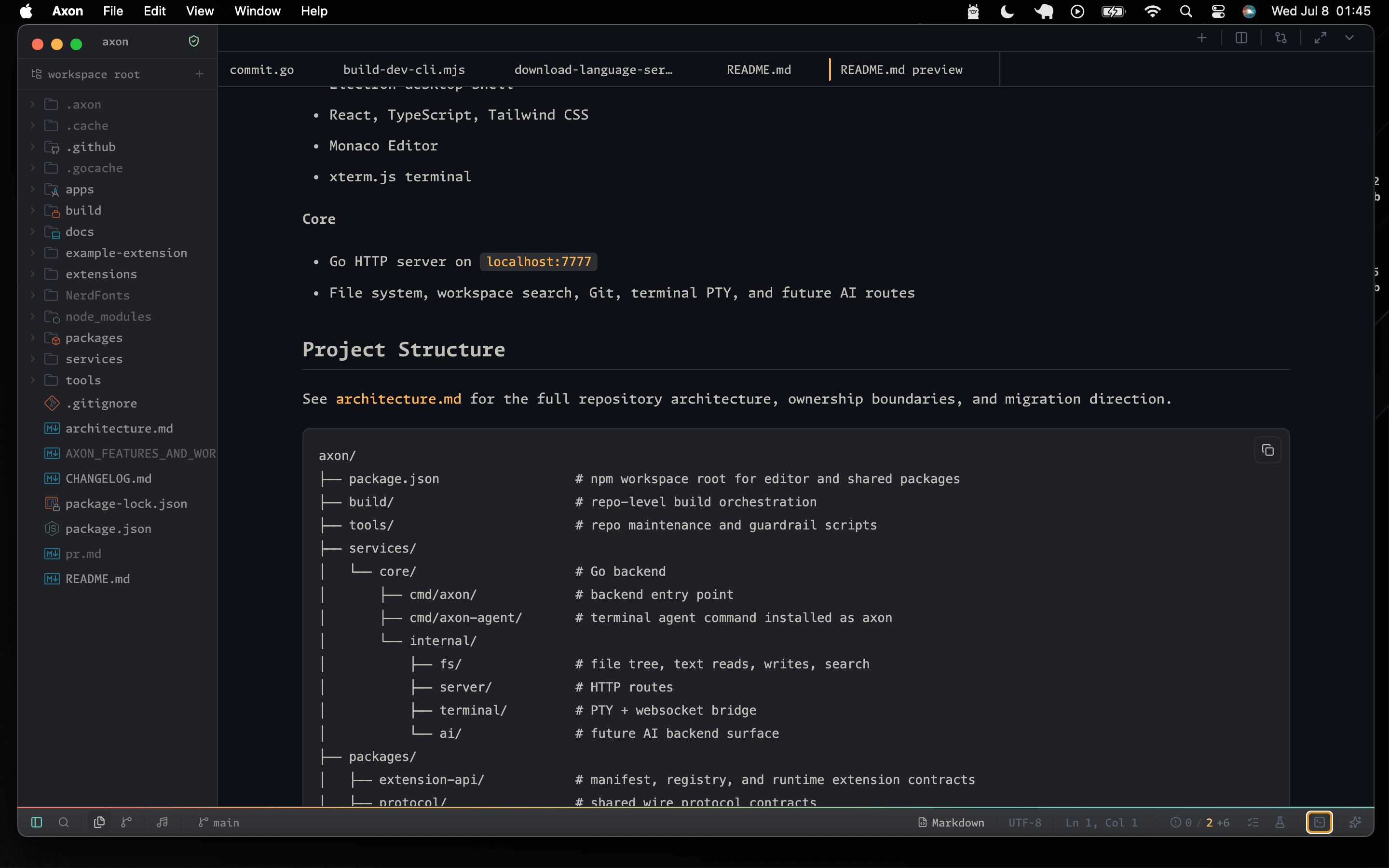
Use the editor find control for current-file search. Selected text seeds the query when opening find, and editing the find query does not steal the original editor cursor after a query already exists.
File Commands
- Save As opens the native file picker and writes through the workspace capability boundary.
- Open Recent reuses the normal workspace-opening flow instead of maintaining a separate partial path.
- Workspace replace skips binary, generated, and oversized files, then writes matching text files atomically.
- Language grammars load as lazy chunks through a shared tokenizer engine.
- Semantic coloring, language-server synchronization, and React snapshots are coalesced away from the per-keystroke path.
- Completion documentation and auto-import edits resolve lazily for the focused item, while the completion popup stays narrow and dense.
- JSON object keys and quoted Python dictionary keys use property styling; quoted values remain strings.
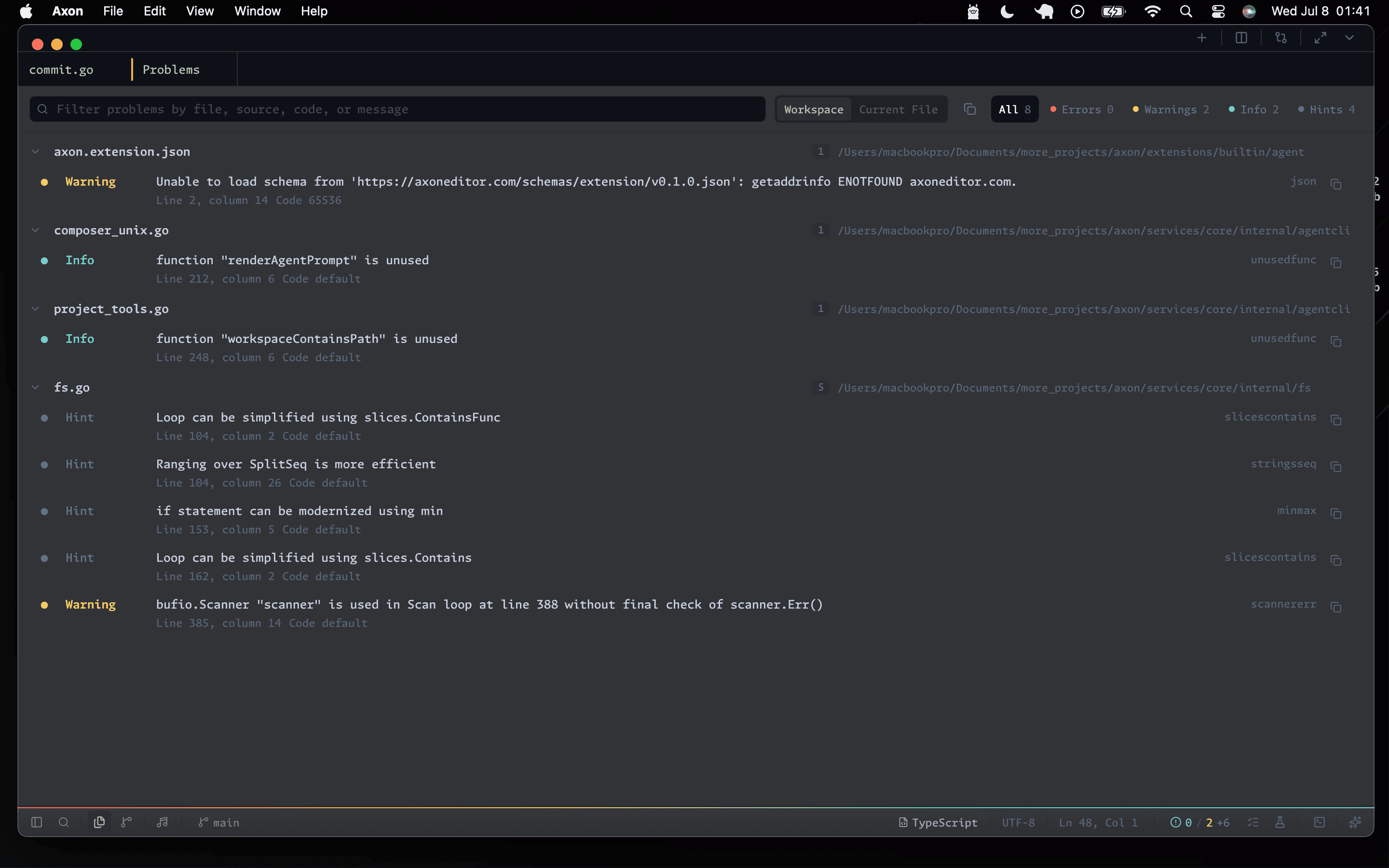
Problems
Diagnostics from connected language servers are collected into a workspace view where errors, warnings, information, and hints can be filtered before opening the affected file.
Stability Rules
- Dirty saves preserve the current scroll position instead of jumping to the bottom of the file.
- Change decorations are replaced instead of stacked.
- Command/control-click is the explicit jump-to-definition gesture for imported and exported symbols.
- TypeScript hover rendering avoids competing stacked hover cards.
- Embedded HTML in TSX/JSX receives themed token colors instead of falling back to plain white text.
- HTML preview occupies the full editor height and sends browser console messages to Axon's Output tab instead of reserving a terminal below the preview.