 Axon
AxonFeatures
Axon documentation
Workspace Search
Search and replace across the active workspace.
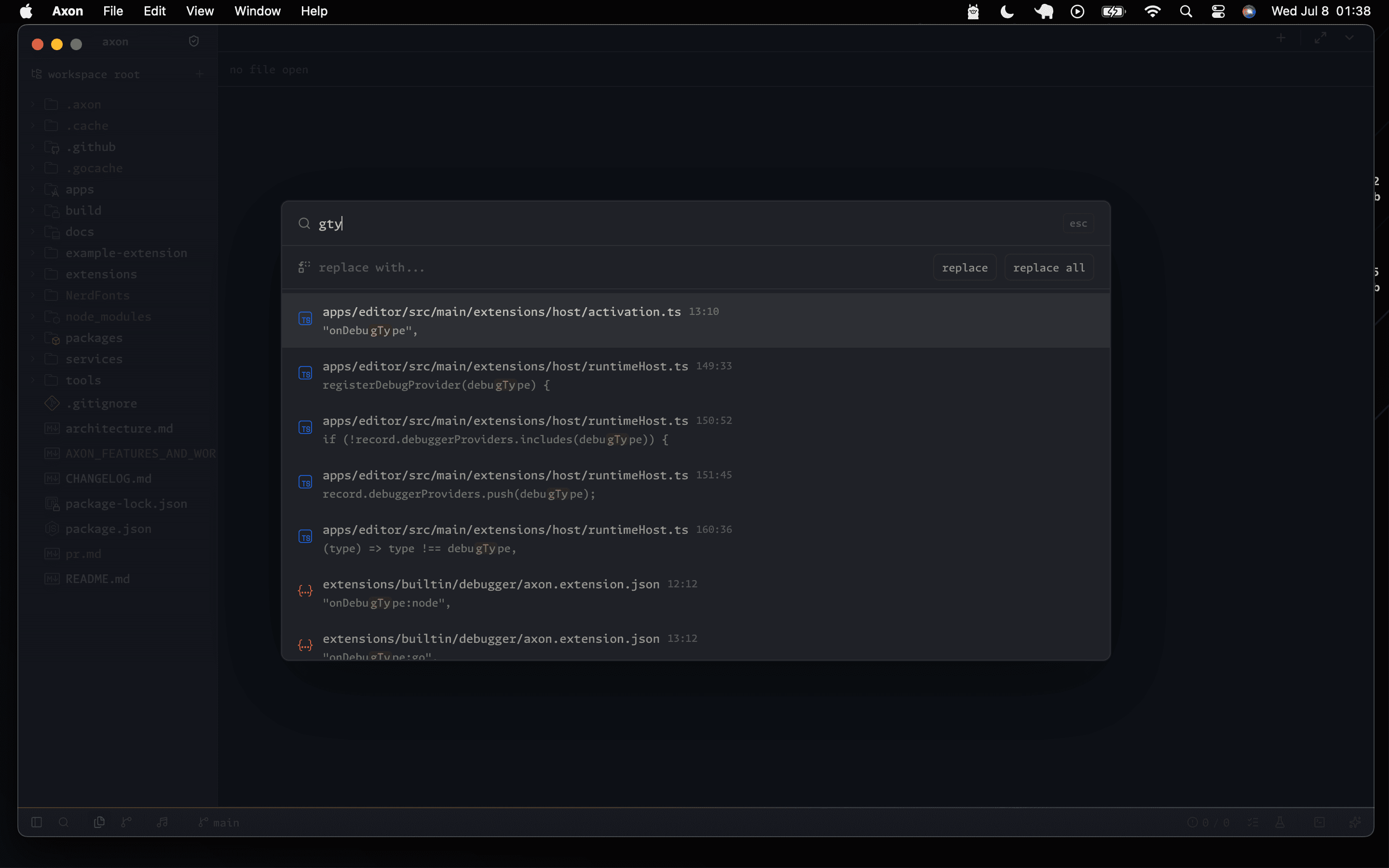
Axon provides full-text search across the workspace. Search through files, find and replace text, and jump directly to results in the editor.
Opening Search
- Click the Search icon in the sidebar.
- Use
Cmd+Shift+Fon macOS orCtrl+Shift+Fon Windows/Linux. - Use the command palette action
Search Workspace.
Search Features
- Case-sensitive search.
- Whole-word matching.
- Regular expression patterns.
- File exclusions for generated, vendor, and binary paths.
- Replace in files across multiple results.
Results
Results are grouped by file with line numbers and surrounding context. Click any result to jump directly to that line and column.
Default Exclusions
.git
node_modules
dist
build
out
target
__pycache__
*.log
*.bin