 Axon
AxonFeatures
Axon documentation
Integrated Terminal
PTY-backed terminal sessions in Axon.
Axon includes a PTY-backed integrated terminal owned by the Go backend and rendered through xterm.js. You can run commands, use Git, start tools, and keep terminal sessions alive while the panel hides, the renderer reconnects, or the workbench changes state.
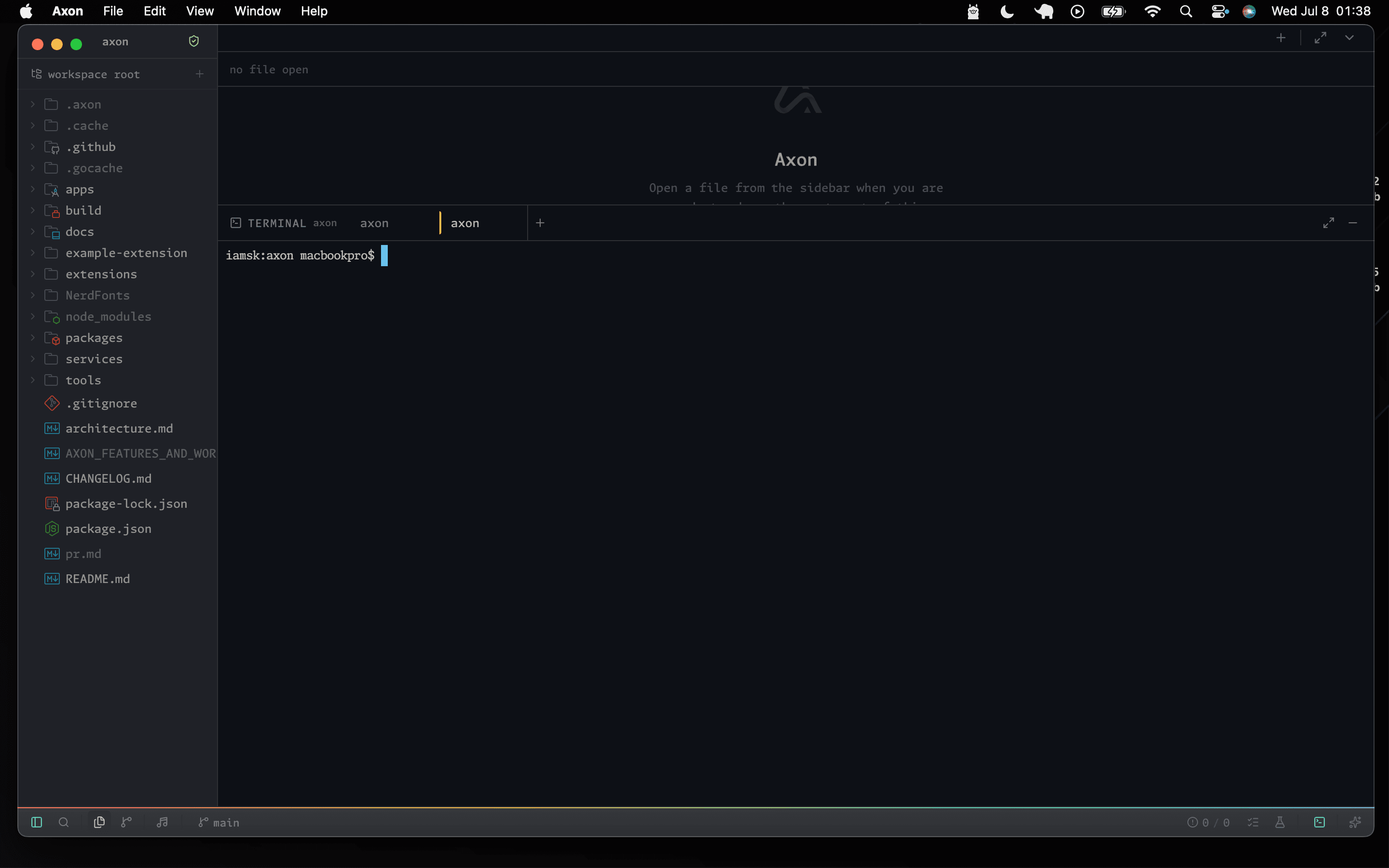
Opening The Terminal
- Click the Terminal icon in the sidebar.
- Use
Cmd+Jon macOS orCtrl+Jon Windows/Linux. - Run
Toggle Terminalfrom the command palette.
Terminal Tabs
- Create a new tab with the plus button or the
New Terminalcommand. - Close a tab with its close button.
- Rename a tab by double-clicking the tab title.
Behavior
- Full PTY support for interactive programs.
- Copy and paste with
Ctrl+Shift+CandCtrl+Shift+V. - WebSocket connection to the Go backend for real-time I/O.
- Persistent sessions across renderer reloads.
- Scrollback replay when a terminal view reconnects.
- Backpressure handling for long-running agent output.
- Slow renderer clients reconnect from the last painted byte instead of losing queued output.
- Small input bursts survive websocket reconnects.
- Terminal profiles and panel activation are declared by the built-in terminal extension.
Axon CLI
Use axon for an interactive Axon Agent session, axon . to open the current project in Axon, and axon resume to continue a saved workspace conversation.