 Axon
AxonFeatures
Axon documentation
Split Panes
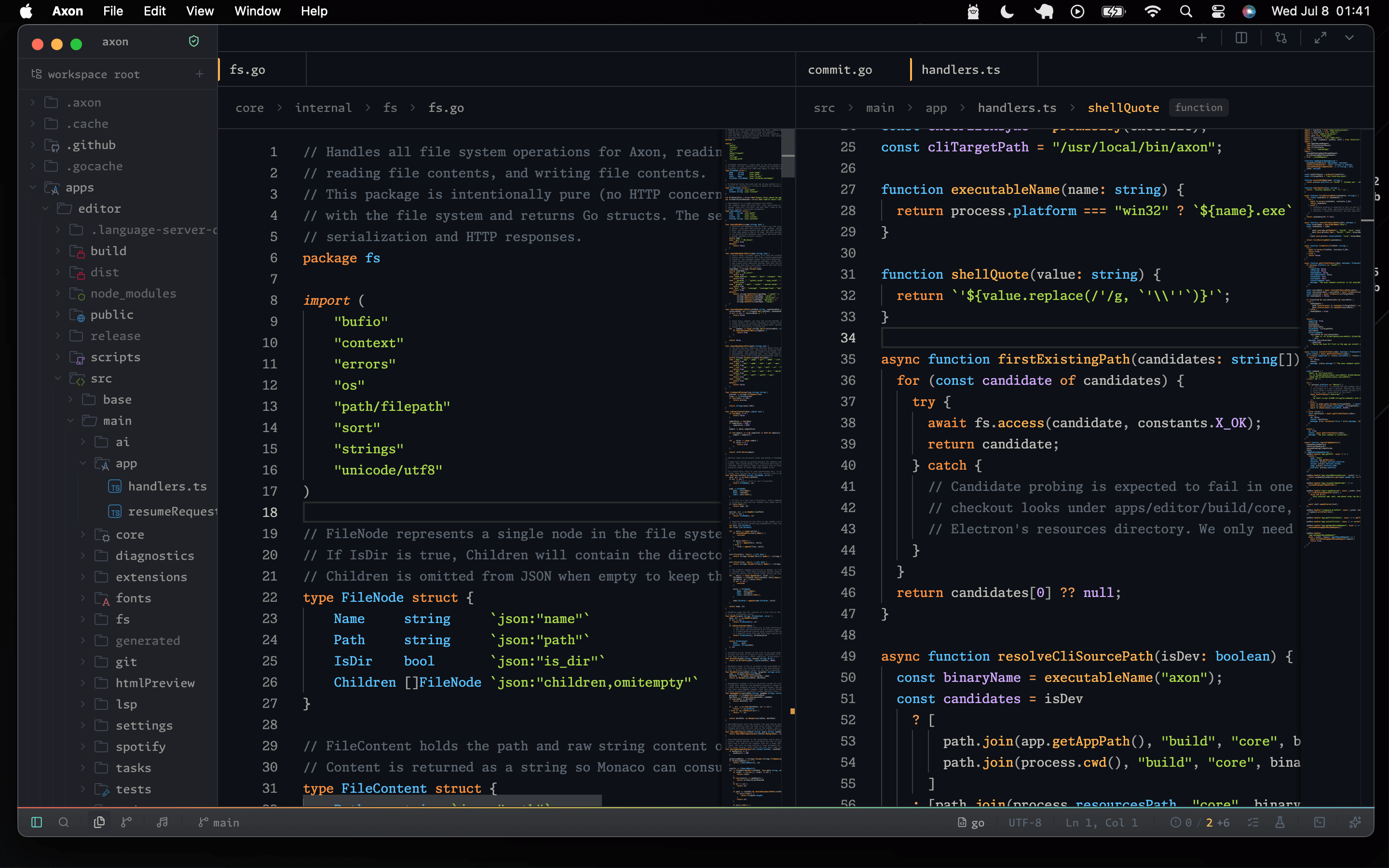
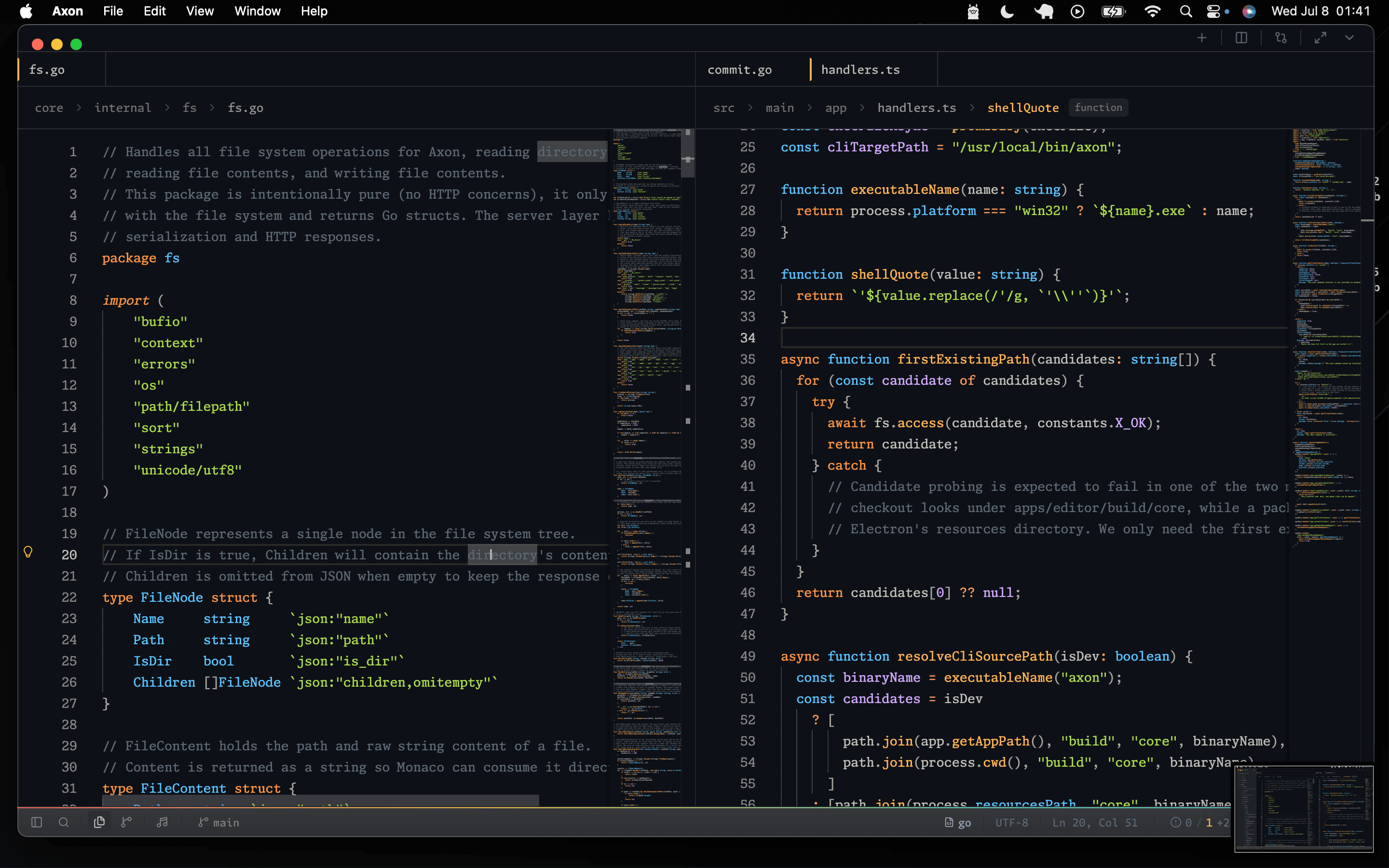
Multi-pane editing in Axon.
Axon supports splitting the editor into multiple panes, allowing several files to stay visible side by side. This is useful when comparing code, editing related files, or keeping reference documentation open while you work.
Opening A Split
Use the editor split control or the split commands exposed by the workbench. Axon does not currently register global split or numbered-pane-focus shortcuts; Cmd/Ctrl+W closes the active tab rather than the entire pane.
Managing Panes
- Drag tabs between panes.
- Resize panes through direct pointer dragging with exact movement and enforced minimum widths.
- Close tabs from the tab button or keyboard shortcut.
- Keep up to a 2x2 grid for focused multi-pane work.
Shared Models
The same file opened in multiple panes shares a single editor model. Changes made in one pane are immediately visible in every pane showing that file.
Dirty Indicators
When a file has unsaved changes, the tab shows a dirty indicator. Axon prompts before closing a pane with unsaved files.