 Axon
AxonGetting Started
Axon documentation
First Project
Open a workspace and use the core Axon workflow.
The first Axon workflow starts with a real project folder. Opening only a nested src directory can weaken Git, language-server, and dependency resolution because the editor may miss package.json, go.mod, Cargo.toml, pyproject.toml, or other project metadata.
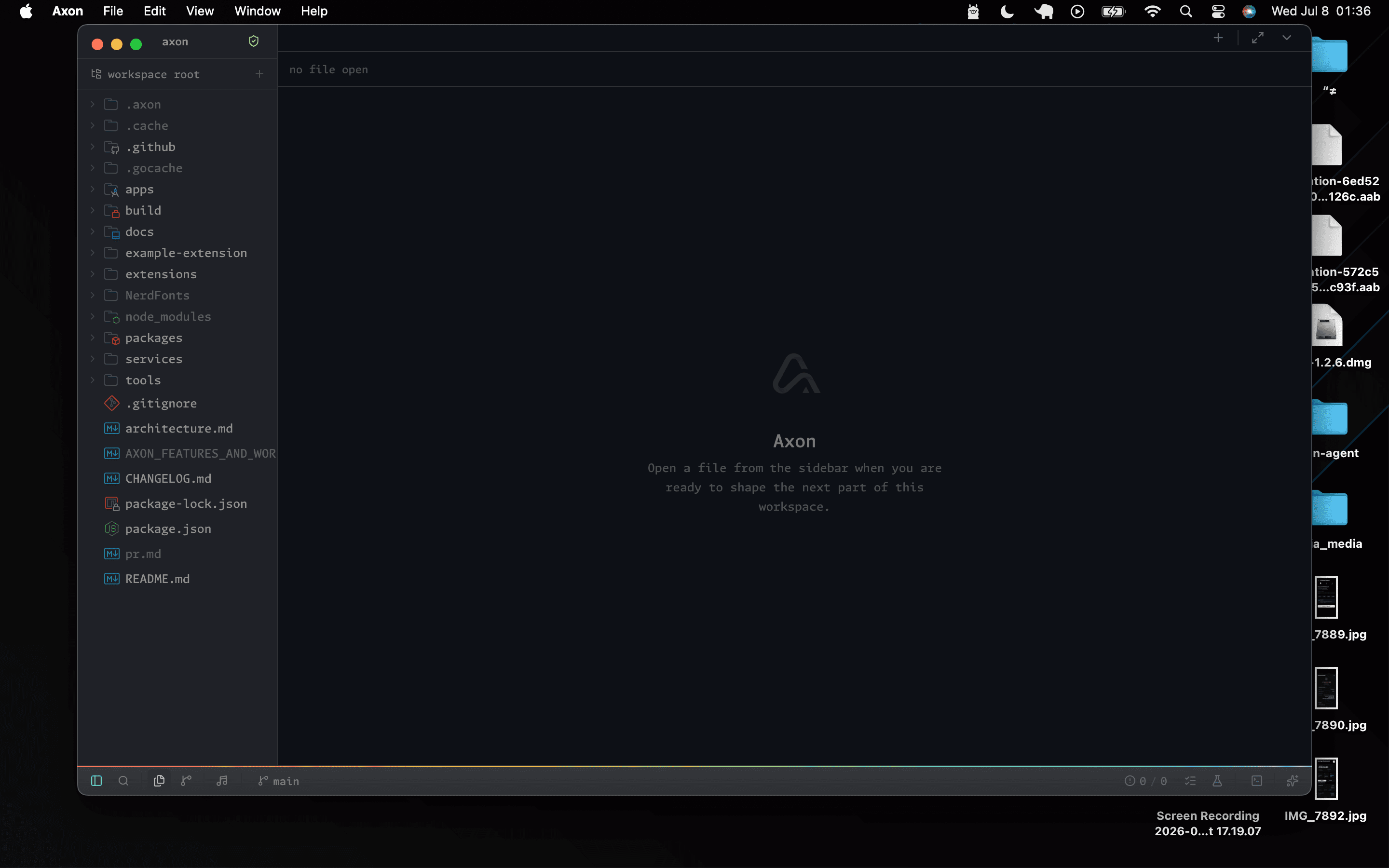
Flow
01
Open an existing project root from the workspace picker, or clone a Git repository and let Axon open the destination.
02
Use the file tree to create or open a source file.
03
Split panes when you need reference code beside active work.
04
Open the terminal and run install, test, dev, or build commands.
05
Check Git status and inspect diffs before committing.
06
Use Axon Agent for project-aware questions or staged commit drafts.
What To Check
- Files open into tabs and can be moved between panes.
- Terminal tabs keep shell sessions alive while the panel hides or reconnects.
- Workspace search opens results at the matching file, line, and column.
- Git decorations show changed, deleted, and untracked files.
- Git Graph opens as an editor tab; selecting a changed commit file opens its historical comparison.
- Language-server features improve after project dependencies are installed.